Table of Contents
VpnStuff.net — In our previous post, we shared about using Softether on a Windows PC. Then on this occasion the admin will share How to Use SoftEther on Android.
If you use a VPN for the purpose of playing games or video calls, softether can be one of the main choices, especially for use on a Android.
How to Use SoftEther on Android
To use it you must have a softether VPN account first. You can make it on the websites of Softether service providers. For example, the admin will create Softether on the VPNGAME.com site.
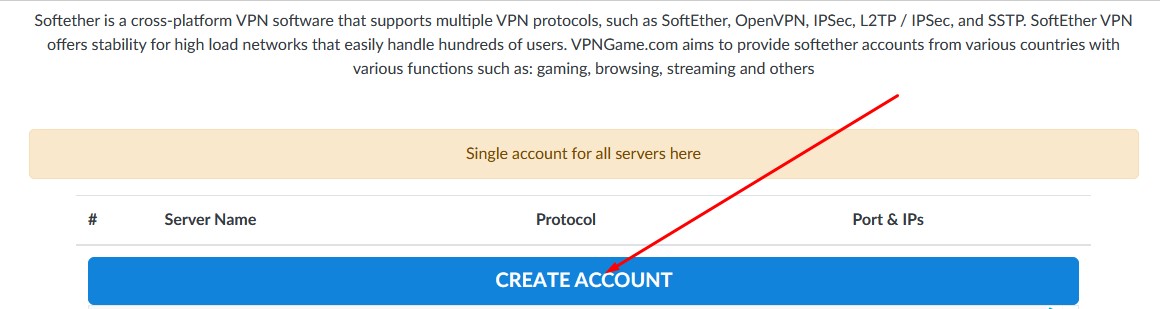
On the HOME menu, just click CREATE ACCOUNT.
Enter the username and password up to you. Click Im not A robot.
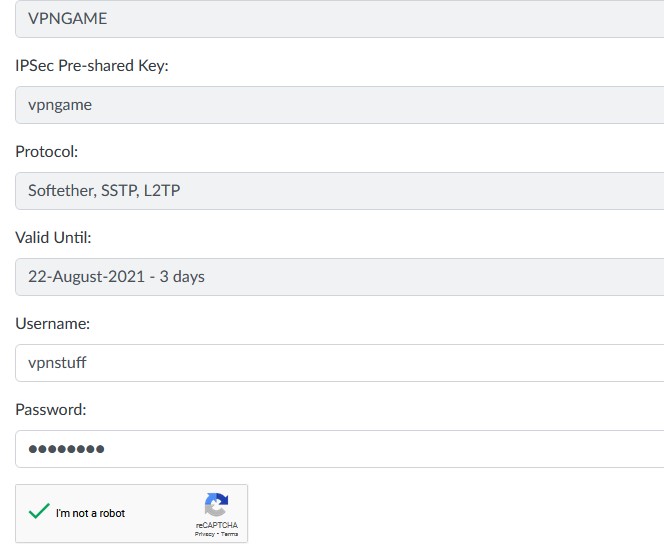
Click Create.

Wait a few seconds then you will see the softether account that you have created.
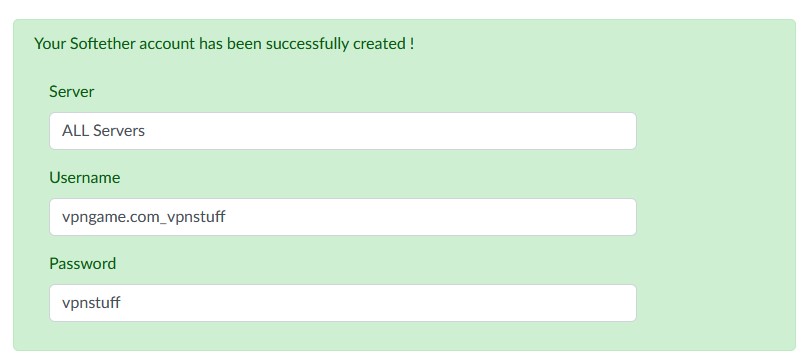
The account that you have created you can later use to login to all softether servers on the VPNGAME site.
Return to the home menu on the VPNGAME.com site then you can choose the server you will use.
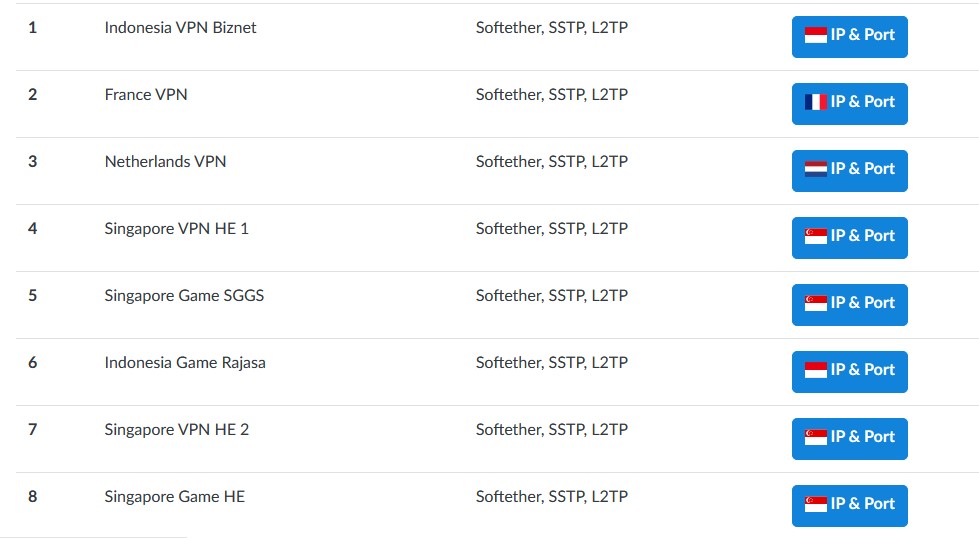
For example, the admin will create an Indonesian server.
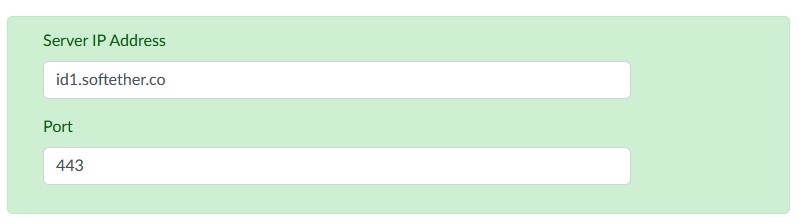
Softether account creation has been completed now we continue to how to use it.
Download and Setting Softether Application for Android
For Android, the applications that you can use are different from those on a PC, of course. You can use the VPN Client Pro application which you can download through the Google Play Store.
- Download VPN Client Pro Android.
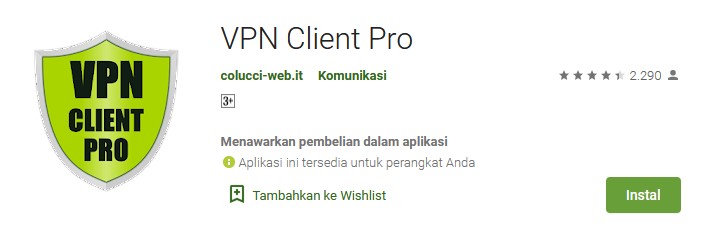
Download and install to completion.
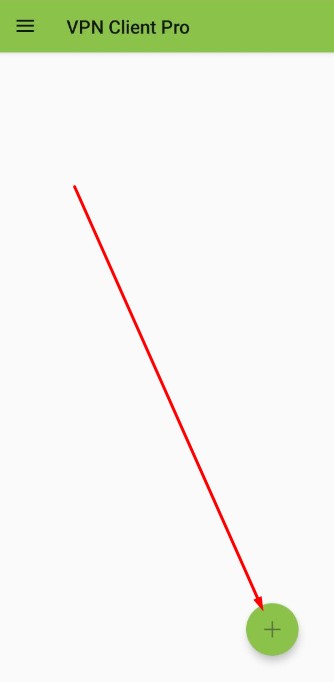
Open the VPN Client Pro application then click the + sign.
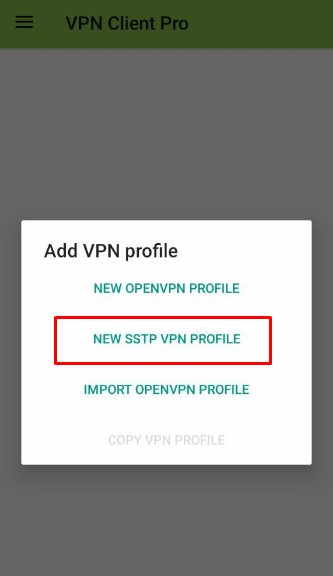
Tap select NEW SSTP VPN PROFILE.
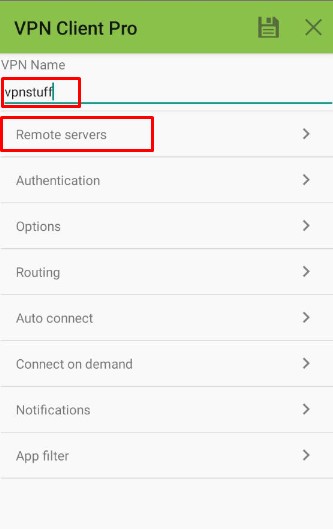
Name any example here I give nanma, vpnstuff. Then click on remote servers.
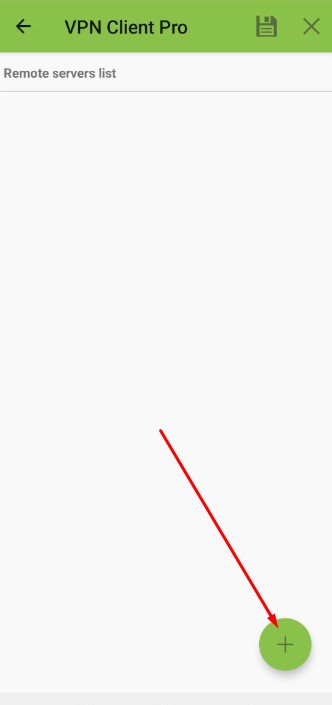
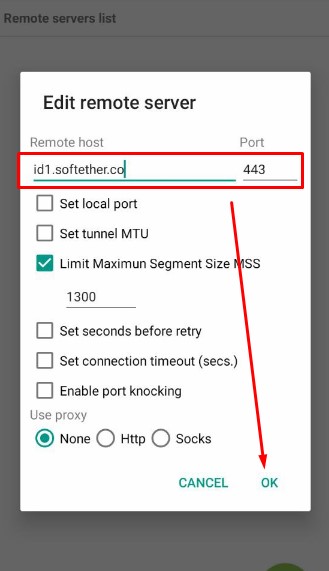
Click the + sign to add a server.
Enter the Softether server and port that you created above.
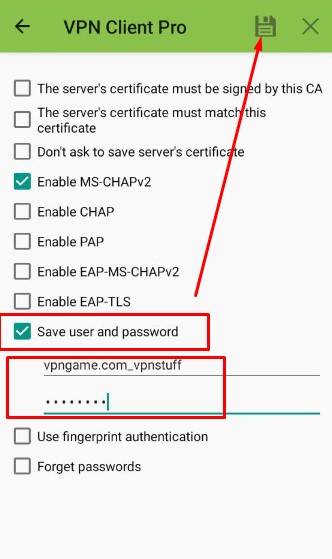
Enter the username and password softether then save.
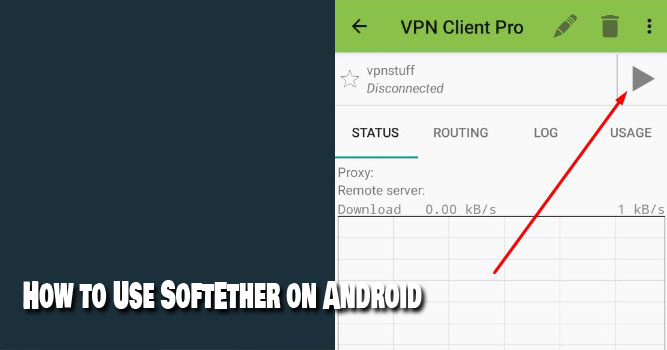
Connect and done.
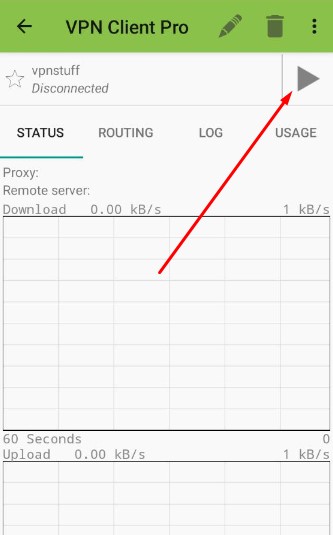
Done.