
Table of Contents
VpnStuff.net — VLESS is a VPN that has almost the same speed as V2Ray. If you want to download, streaming then using VLESS can be the main choice. Here’s a tutorial How to Use VLESS VPN on Android.
How to Use VLESS VPN on Android
To use VMESS you must have a VLEES account and an application as a liaison so that VLESS runs well on your android.
1. Download XRAY VPN App on Play Store
You can use XRAY VPN for VLESS. You can download it via google play store or via the link below.
- https://play.google.com/store/apps/details?id=vpn.v2ray.xray

2. Create VLESS Account
You can create a VLESS VPN account on paid or free VPN service provider sites. For example, here we create a VLESS account on the FastSSH.com site
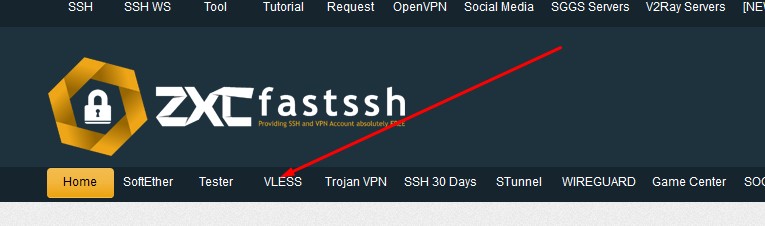
Follow the steps as instructed on the web to create a VLESS account. Like entering a username and others.

You can also check reserve SNI for certain needs such as turning the Host Server into SNI.

Next, there is a copy of the VLESS account that you have created to be imported into the XRAY application

3. Import Config VLESS and Connect on Android
Open the XRAY application then you import the VLESS config that you made above and then connect.

Done.
VLESS is properly connected on your smartphone.
